

For better and for worse, social media has become an integral part of our daily lives and routines. And while most people find it a great tool for posting news and keeping in touch with friends, family and colleagues, it’s always a good idea — especially for younger users — to put some common-sense safeguards in place.
The un‘friend’ly side of social media
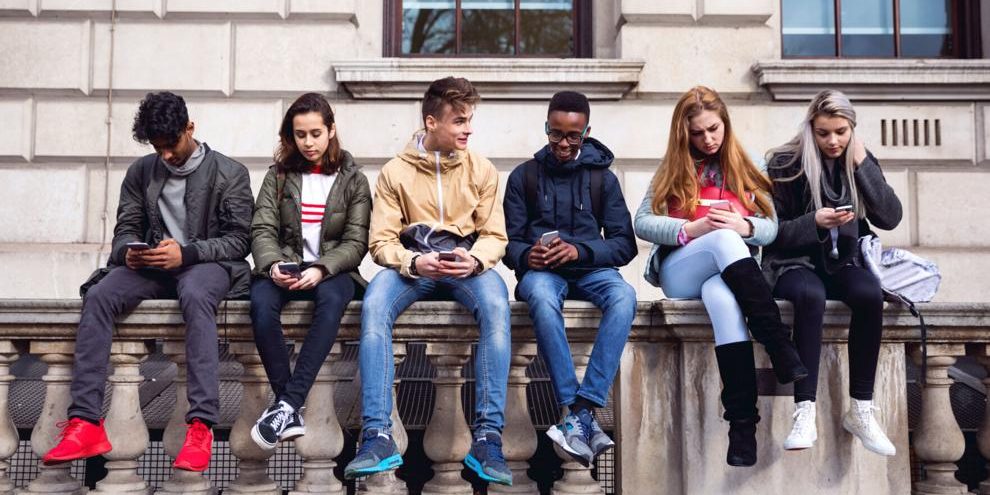
Unfortunately, there are many instances of social media being put to ill use for nefarious and even dangerous, purposes. Here are some helpful tips on how to keep your family and yourself safe online.
Keep your circle tight
Unless you’re an influencer who’s trying to build an online audience of followers, there’s no need to accumulate friend lists that are thousands of people deep. Vet your connections and requests carefully, and don’t feel obligated to respond to every single one. If you don’t know someone in real life, are they really a “friend”?
Check your settings and determine who you want to see the content you’re posting. Certain updates may not be something that you want to share with the public. Think about what you’re putting out there, then choose your audiences accordingly. Don’t post details or photos you wouldn’t want a stranger accessing, such as medical records, financial information, risqué personal pics or plans to be away from home.
Psst, what’s the password?
Protect your social media accounts by selecting strong passwords that would be difficult for someone to guess and then update them on a regular basis (or immediately if you receive any alerts of suspicious activity). Use a different password for each account.
Keep your web browsers and other software up to date for the best user experience and consider installing antivirus software for added peace of mind.
The kids are all right
Many social media platforms have a minimum age requirement to sign up for an account, but wily teens may be able to work their way around it. Talk with your kids about the importance of staying safe online, limit their screen time, monitor the sites they’re visiting and set up parental controls if necessary.
Let the buyer beware
Things on the internet are not always what they seem. Impressionable youth and senior citizens may be particularly vulnerable to “phishing,” an online scam tactic that aims to trick you into revealing sensitive information like bank account numbers or credit card information.
Here are a few red flags to watch out for when buying or selling items online: buyers or sellers who refuse to reveal their location, anyone who asks for your personal phone number or a six-digit code to confirm your identity, brand-new user profiles with little to no content, and any use of threatening or intimidating language. A good rule of thumb: If an offer seems too good to be true, it probably is. Trust your gut and don’t worry about being polite. If something feels off, cancel the transaction then report and block the contact immediately.